





VB Scripts for Sage 100

Benefits of VB Scripting
Sage 100 (MAS 90/200) includes a powerful feature that many users are not aware of. User-Defined VB Scripting allows for the addition of features and functionality to your current installation of Sage 100 without modifying source code. VB scripting can be used for automatically populating Sage 100 fields, integrating Sage 100 with other applications, as well as taking the Custom Office module to the next level. VB Scripting can be a useful and cost-effective solution to many of your needs.
Watch Now: Sage 100 VBScript Demos
Here are some preview demo videos of VBScripts that the Net at Work Sage 100 team has created and can be installed on your existing Sage 100.
If you have interest in any of these or would like to discuss creating a custom VBScript for your Sage 100 software - please contact us via the form below.
Automate Tariff Surcharge in Sales Order
A new field will be added to Item Maintenance for the Tariff percentage. This table will be referenced when an item is added to a sales order or when it is shipped. A new line will be inserted directly beneath the item for a miscellaneous charge code "/TARIFF". The extension amount for the "/TARIFF" line will be calculated as follows: Tariff Amount = Tariff Percentage (UDF) * Item Price Extension Amount.
Automate Tariff Surcharge in Purchase Order
A new table will be added to Sage where the item code and country, along with their corresponding tariff percentage, will be stored. This table will be referenced when an item is added in Purchase Order or received in Receipt of Goods Entry. A new line will be inserted for a miscellaneous charge code "/TARIFF". The extension amount for the "/TARIFF" line will be calculated as follows: Tariff Amount = Tariff Percentage (UDF) * Item Price Extension Amount.
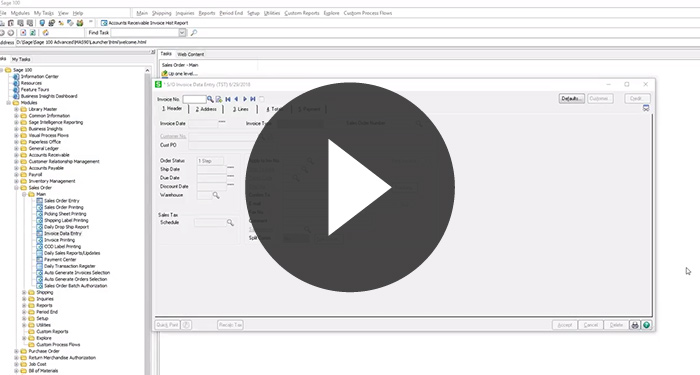
Credit Memo Automation in SO Invoice Entry
This VBScript will automatically copy line items from an invoice (from invoice history) when using the Apply To function in SO Invoice Data Entry while creating a Credit Memos.
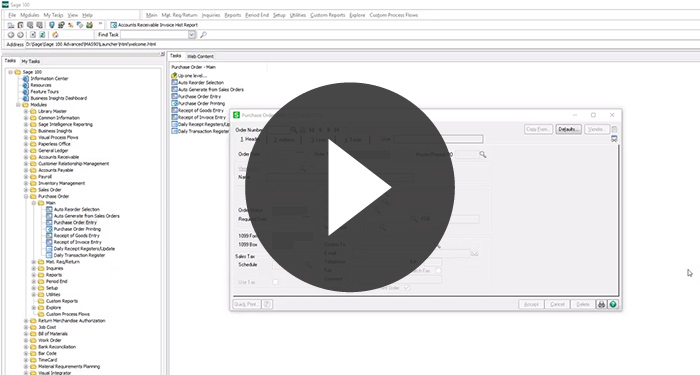
PO Cost Varies From Standard Cost (or Average Cost) Alert
This VBScript will create a message (pop up) in Purchase Order Entry when an item code is entered with a cost that varies by a specified percentage from the standard or average Cost.
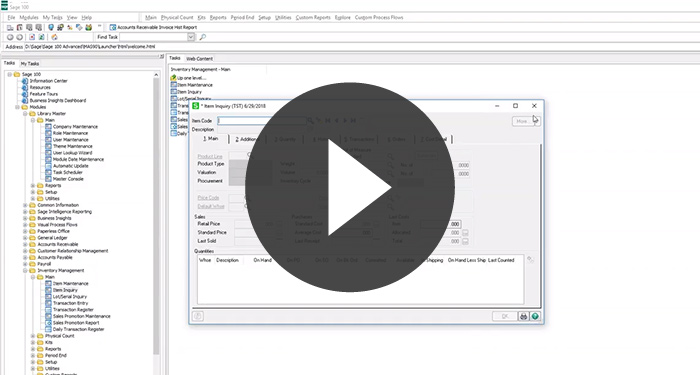
Item Maintenance/Inquiry Tab Security
This VBScript will allow you to control access to all Tabs in Item Maintenance and the More menu options in Item Maintenance except for 1 specified tab.
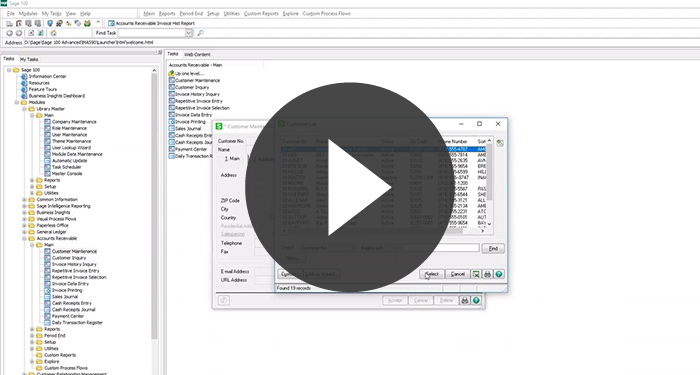
Customer Maintenance Tab Security
This VBScript will allow you to control access to all Tabs in Customer Maintenance and the More menu options in Item Maintenance except for 1 specified tab.
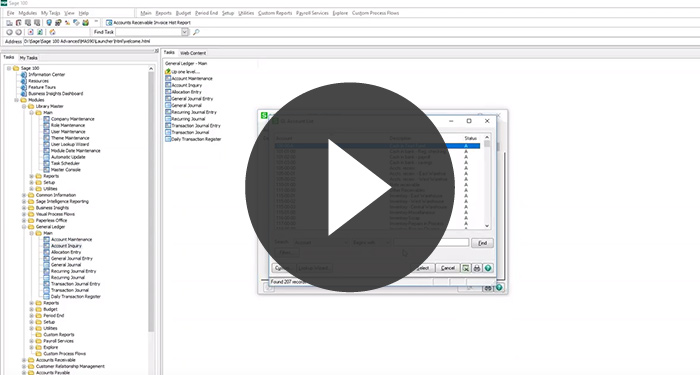
Account Maintenance Tab Security
This VBScript will allow you to control access to all Tabs in GL Account Maintenance and the More menu options in Item Maintenance except for 1 specified tab.
Display GP Amount and % in Sales Order Entry and Sales Order Invoice Data Entry
This VBScript will add fields for the Gross Profit Amount and Gross Profit Percentage which would be added to the Lines Tab grid in Sales Order Entry and Invoice Data Entry.
- Total Sales
- Total Cost
- Gross Profit Amount
- Gross Profit Percentage
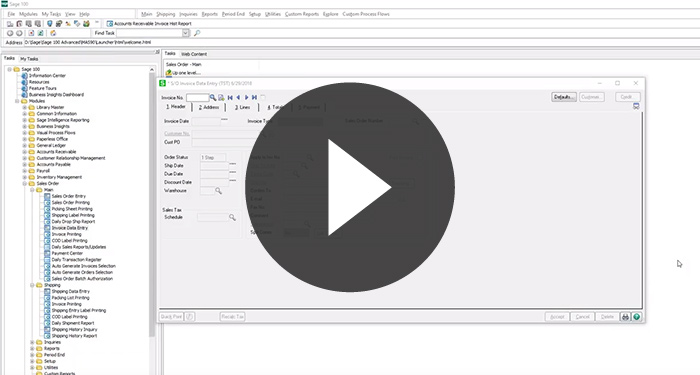
Custom Calculation of BOL or Shipping Weight for a shipment in Invoice Data Entry and Shipping Data Entry
This VBScript will automatically calculate the shipping weight of each line item (per your custom formula) and the total shipping weight for an invoice/shipment
- All data fields used as part of your calculation must be stored in Sage 100
Block Duplicate AP Invoices Import From Visual Integrator
Prevents a duplicate invoice number for a vendor from being uploaded using Visual Integrator. *Produces an error if an already posted invoice is encountered.
Split AP Invoice Batches by Date
Moves invoices into new batches based on calendar period. Prompts for a batch number to split into multiple batches by period (creates a batch for each period and year).
Drop Ship Sales G/L Account: Automatically Override G/L account on Line Item
Overrides the sales G/L account for a drop ship line item. Sales account can be stored on the customer or item record. Contact us for customization options.
Discount by Customer and Product Line
Auto populates the discount percentage field on the line in Sales Order and Invoice Data Entry. Maintains discounts in a new Sage table. Excludes Credit/Debit Memos.
Custom Calculation of Shipping Weight for a shipment in Invoice Data Entry and Shipping Data Entry
Automatically calculates shipping weight of each line item and total shipping weight for an invoice/shipment.
- All data fields used must be stored in Sage 100 (i.e. item ship weight)
Custom Calculation of Number of Pallets in Invoice Data Entry and Shipping Data Entry
Automatically calculates pallets for each line item and total pallets for an invoice/shipment. Adds a new “number of pallets” field to Item Maintenance (partial pallets supported).
Drop Ship P/O G/L Account: Automatically Override G/L account on Line Item
Overrides the expense G/L account for a drop ship line item. Expense account can be stored on the vendor or item record. Contact us for customization options.
Automate Visual Integrator Import Job and Auto Archive Import Files
Checks for CSV files in a specified directory on a schedule, imports via VI job, then archives files. Results for last import appear in VI log.
Default Customer Bill To and Ship To Address to AVATAX
New customers and ship-to addresses default Tax Schedule to AVATAX. Applied when Customer Name or Ship To Name is typed.
Set Drop Ship Lines on Sales Order
Adds a “Drop Ship” checkbox on the Header tab. When checked, all new and existing lines set DS by default (line-level override remains available).